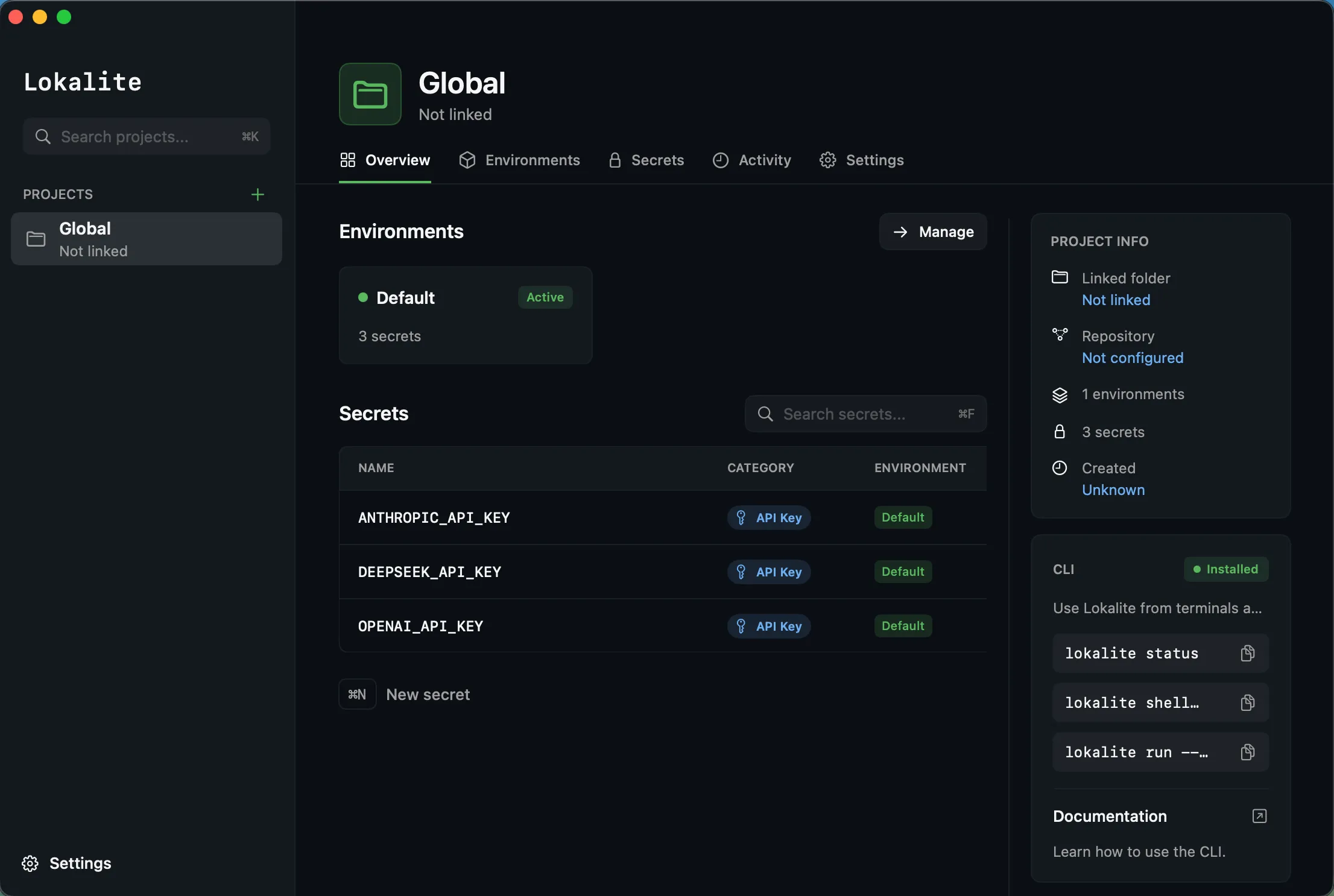
Lokalite
Local-first secrets workspace for macOS
View on GitHub ↗Developer secrets tend to end up in one of two places: a .env file sitting in plain text, or a cloud secrets manager with an account, a subscription and someone else’s servers. Lokalite is the third option: a local-first secrets workspace for developers.
Every value is encrypted with AES-256 before it touches disk, so the vault is unreadable without the key even if someone gets the file. The key lives in Apple Keychain, the same secure store used by Safari, iCloud, and system credentials, and the app unlocks with Touch ID; no master password to forget, no typing secrets into a terminal.
The MCP integration is built around one rule: secret values never enter the model’s context. get_secret doesn’t return the value; it returns a one-time source command that loads the secret into the agent’s shell and deletes itself, so keys stay out of chat transcripts. Access tiers are enforced per secret, from plain allow to Touch ID on every read.
Secrets can also be referenced instead of pasted: commit lokalite://project/KEY in an MCP server config and lokalite run --refs-only swaps in the real value when the process spawns. The config stays safe to commit, and the read still goes through the same tier checks and activity log.
No cloud, no account, no telemetry. Your data never leaves your machine.
Install
brew install RubenGlez/lokalite/lokalite gets you the CLI and MCP server; add the menu bar app with brew install --cask RubenGlez/lokalite/lokalite-app. Then lokalite install registers the MCP server.
Add your secrets
Import an existing .env file or add keys one at a time from the CLI or the app. Secrets are grouped by project, with per-project environments like dev, staging, and production.
Use them anywhere
lokalite run -- npm start injects secrets into a single process. The menu bar app (⌘⇧Space) searches, reveals, and copies with a clipboard that auto-clears after 30 seconds.
Hand them to agents
Claude Code, Cursor, Windsurf, and any MCP client can list and load a project's secrets, no keys hard-coded in configs, and every access lands in the activity log with the agent's name.
Per-secret agent access
| Tier | What it means |
|---|---|
| allow | The default; agents can load the secret, every read is logged |
| approve | Touch ID prompt on read; approval lasts for the unlock session |
| strict | Touch ID prompt on every single read, never cached |
| block | Off-limits to agents; refused on every reveal path |