SampleByte
Chop samples, export to hardware
Download for macOS & Windows ↗Hardware samplers are great at playing samples and terrible at preparing them. SampleByte is a desktop app for the full preparation workflow: discover audio, chop it, organise your library, and export in the format your hardware expects.
It targets the machines beatmakers actually use (Maschine, SP-404, Akai MPC), so the chops land on your pads ready to play instead of needing another round of conversion.
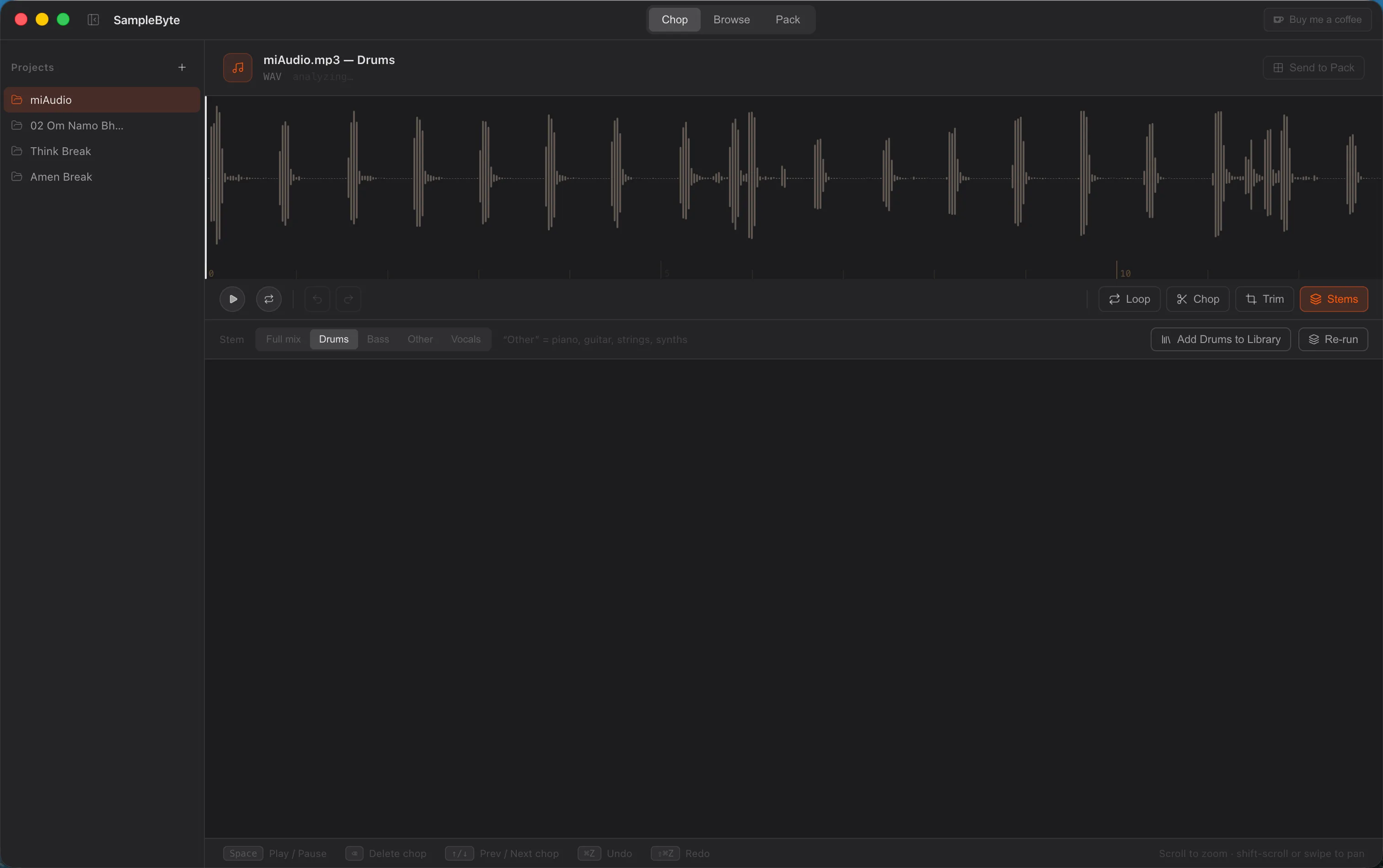
The Stems tool splits any source into separate Drums, Bass, Vocals, and Other tracks using a trained source-separation model that runs entirely offline, nothing leaves your machine. Each stem becomes a swappable source, so you can chop a single instrument on its own and add it straight to your library.
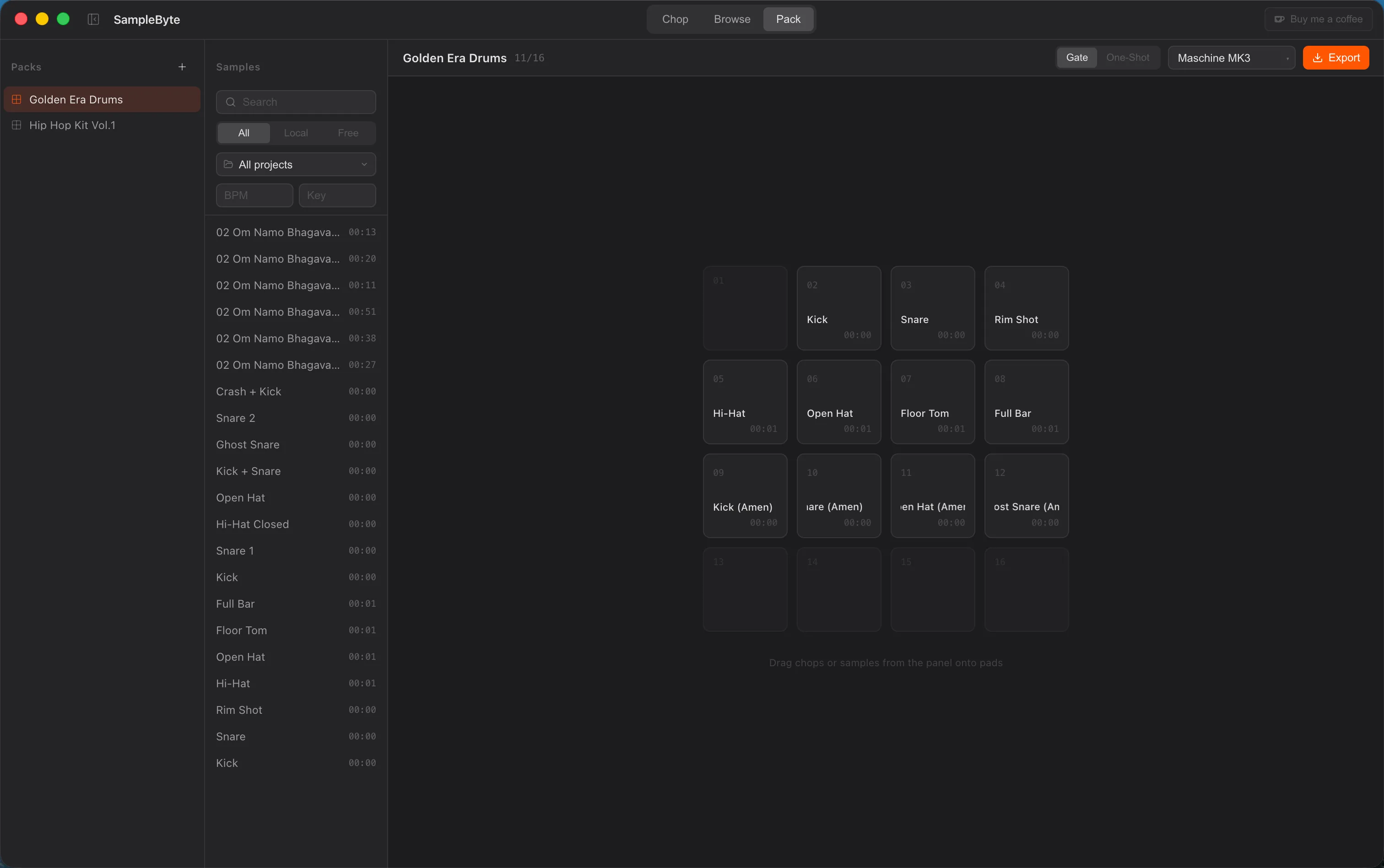
Packs are built to survive editing: each pad snapshots its own audio when you assign it, so an exported pack keeps working even if the original chop is later changed or deleted, and the pad offers to update or regenerate from source instead of going silent.
A ⌘K command palette jumps between Chop, Library, and Packs from anywhere. Available on macOS and Windows.
Discover
Load local files, batch-import whole folders, or search 650,000+ Creative Commons sounds from Freesound inside the app. BPM and key are detected on import.
Chop
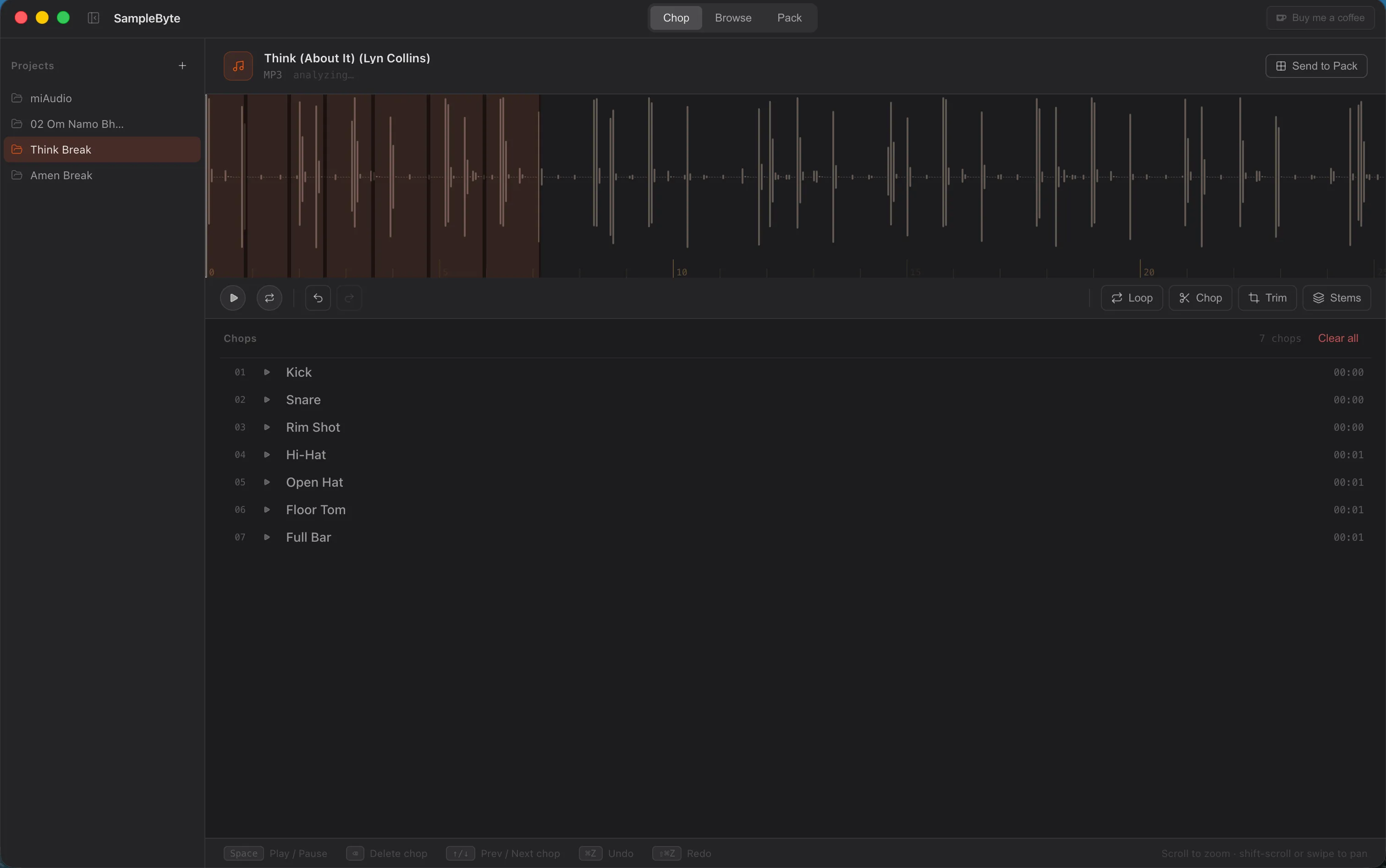
Set your chop points visually on the waveform, or let auto-chop find hits and loop candidates for you. New chops are named after the audio file, not "Chop 1".
Organise
Chops, imports, and Freesound downloads live in one library. Rename inline, re-analyze or delete in bulk, and clean out orphaned entries in one click.
Export
Arrange chops on a pad grid and export in the format your hardware expects. Chops land on your pads ready to play.
Supported hardware
| Name | Export format | Pad count |
|---|---|---|
| Native Instruments Maschine | WAV | 16 |
| Roland SP-404 mk II | WAV | 16 |
| Akai MPC (series) | WAV | 16 – 64 |